Living rooms
Sofas, armchairs, coffee tables, TVs, and stands.
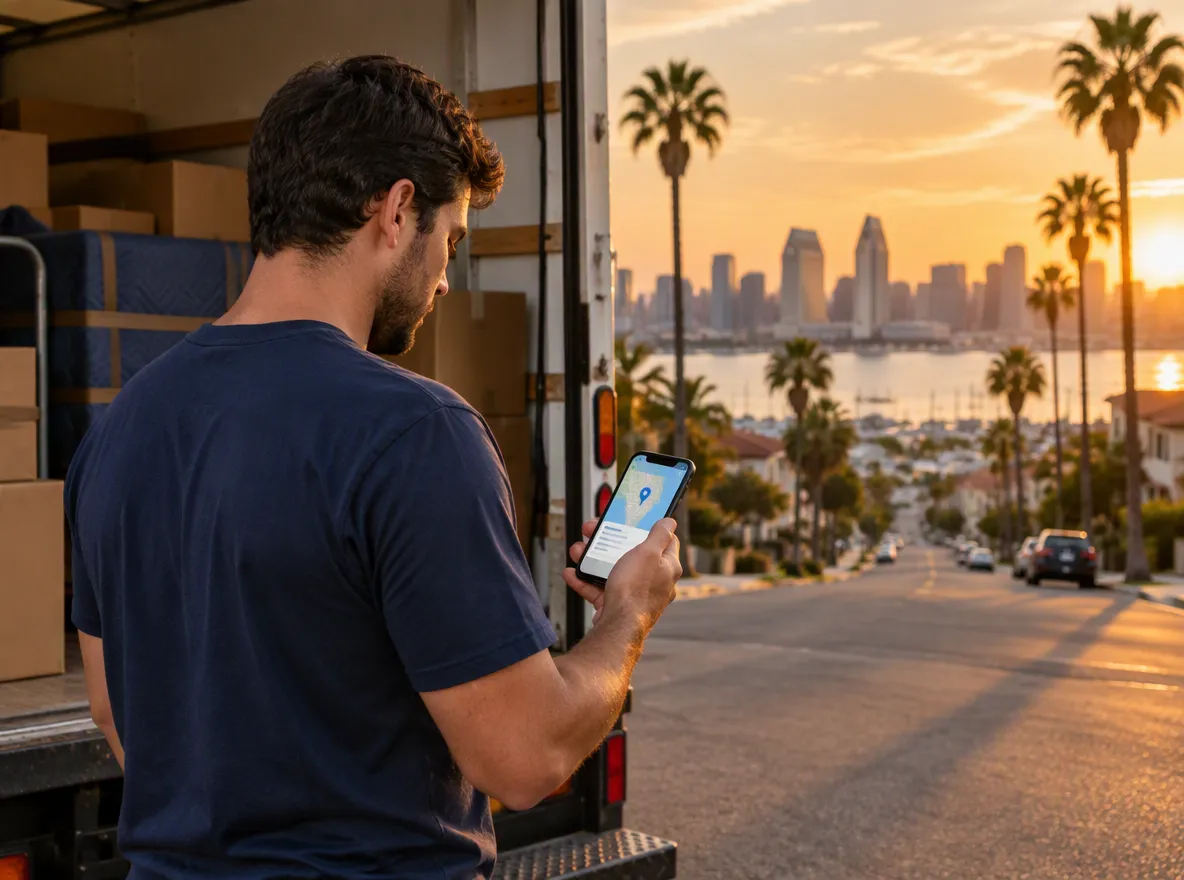
Join the Muber mover waitlist. When onboarding opens, approved movers can go online, review nearby offers and estimated payouts, and accept only the jobs that fit.
 Review the offer · Choose the job
 Offers are matched to the approved vehicle on your profile. Larger vehicles support larger moves and may require a two-person crew.
Vehicle capacity and crew sizes reflect the current Muber app catalog. Vehicle and document approval is required before offers unlock.
Go online when you’re available. Muber sends nearby paid-booking offers that match your approved vehicle and location.
Customers add their items before choosing a vehicle, helping you understand the move before it begins.
Sofas, armchairs, coffee tables, TVs, and stands.
Beds, mattresses, dressers, nightstands, and boxes.
Dining furniture, desks, office chairs, shelving, and appliances.
Bicycles, patio tables, shelving units, and packed boxes.
Complete your profile, vehicle information, documents, and payout setup in the app. Document approval is manual.
We’ll share onboarding details when mover sign-up opens. In the app, you’ll complete your profile, vehicle details, document uploads, and Stripe payout setup.
Yes. Choose Helper on the waitlist form if you want to help with lifting and loading without onboarding a vehicle.
A current driver’s license, vehicle insurance declarations page, moving permit or authority, and proof of cargo coverage.
Yes. Approved movers can go online when available. Nearby offers matched to your vehicle and location then appear in the app.
Offers show the general pickup and destination areas, vehicle, distance, scheduled time, estimated payout, and expiration time. Full addresses unlock after acceptance.
Completed moves are reviewed before the transfer is released to your connected Stripe account. The app shows paid, held, processing, or failed payout status.
Join the San Diego waitlist as a vehicle owner or helper. Tell us how to reach you and how you want to work.
We’ll contact you when San Diego mover and helper onboarding opens.